StampToolsDecentralized App for Crypto Analytics
Development of a dApp for a crypto analytics platform. 12 pages total, featuring interactive charts, tables, and responsive interface elements
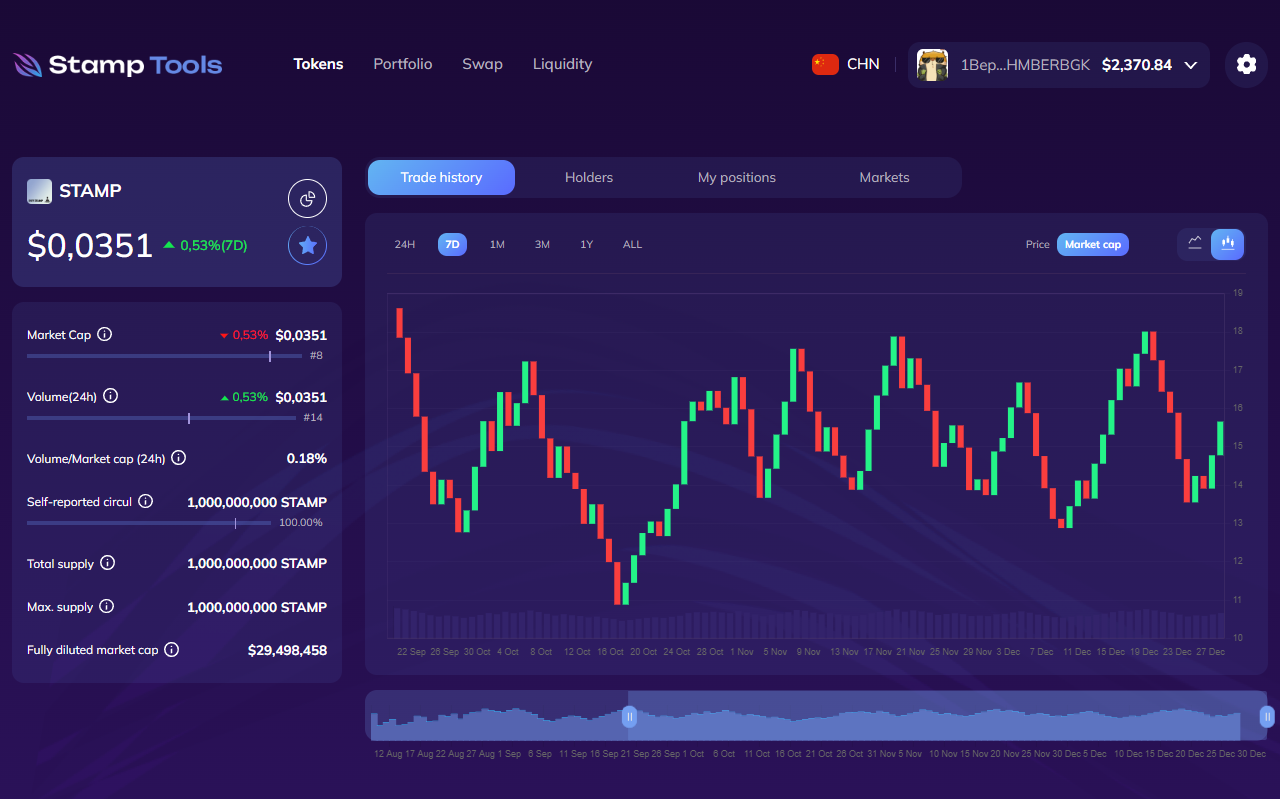
I was approached to develop the layout for a complex project — a decentralized application for cryptocurrency monitoring.
A decentralized application (dApp) is an application that interacts with a blockchain instead of a server, usually via a browser extension (often with several to choose from). While a standard application has a single server, here there are many servers, and complex mathematical calculations are used to keep them synchronized.
The main task was to allow users to log in using their wallet and to have the site act as an interface for it, rather than as a separate platform.
But it didn’t start with that at all
It all started with the layout
My initial task was to create a regular layout using HTML, CSS, and JS. There were no requirements regarding the stack, so I decided to write it all using PostCSS instead of my usual SCSS.
Since it is a dashboard after all (and there was no framework), I used Nunjucks to avoid duplicates and keep things organized. Many people probably don’t even know what it is anymore, but without it, this project would have turned into an absolute nightmare.
For the charts, I chose Chart.js. It is the simplest option for small volumes of data (the total data volumes are massive, but the simultaneous rendering is not, so it doesn’t cause any issues). For interactive navigation and range selection, I used noUiSlider — a dependency-free slider library that weighs around 5 KB and has virtually zero impact on loading speed. Oh, and it can look absolutely any way you want.
And as it turned out, it integrates perfectly with Chart.js.
I suggest looking at some of the layout screens before we move on to the climax
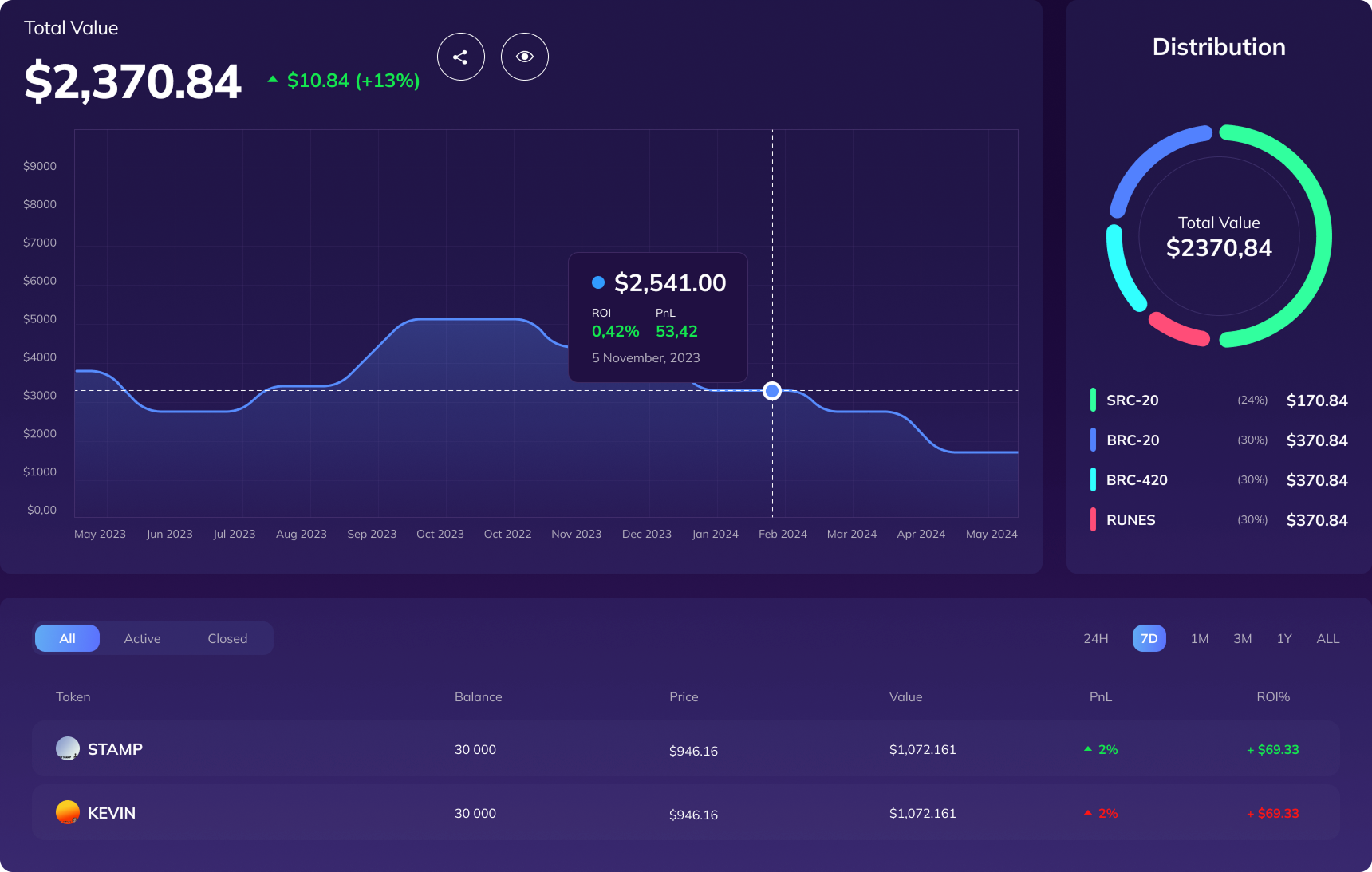
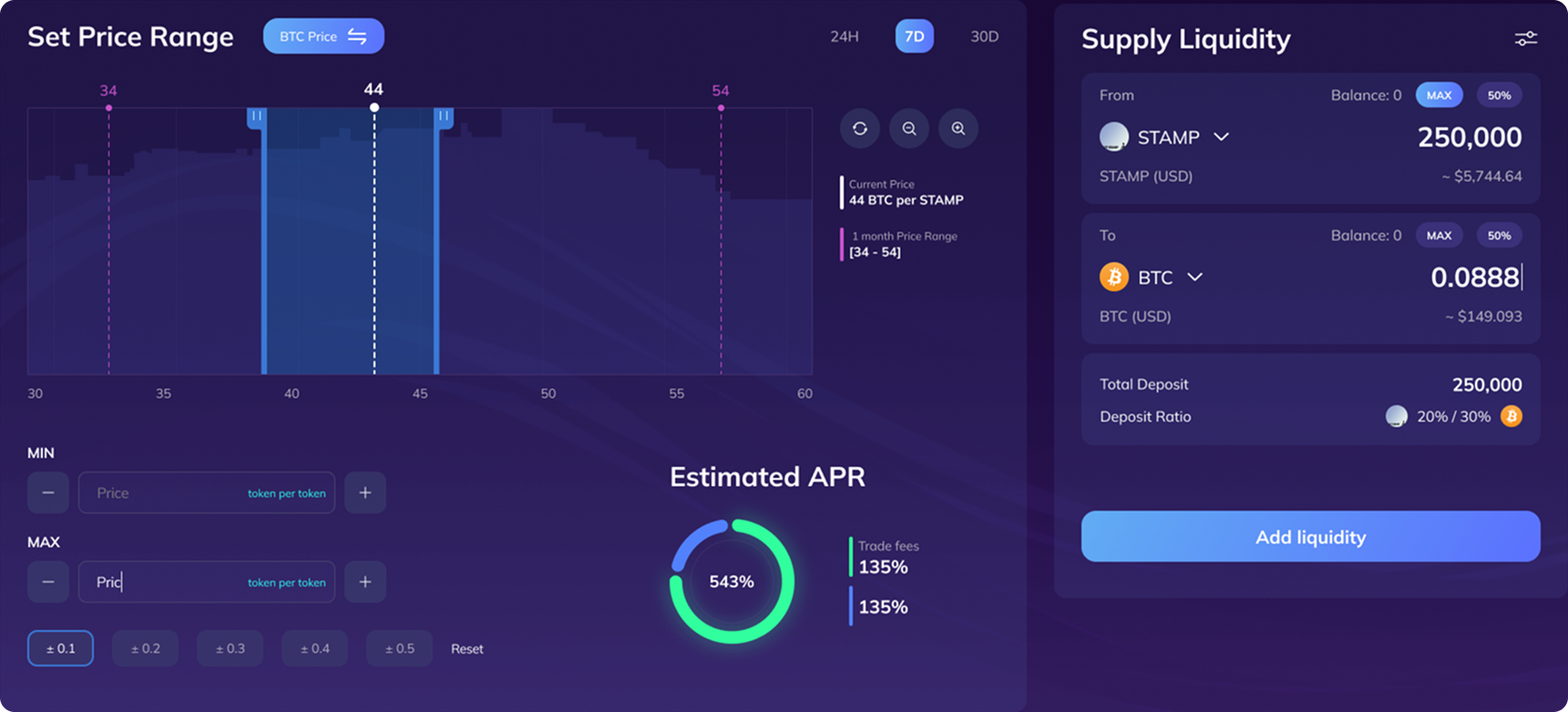
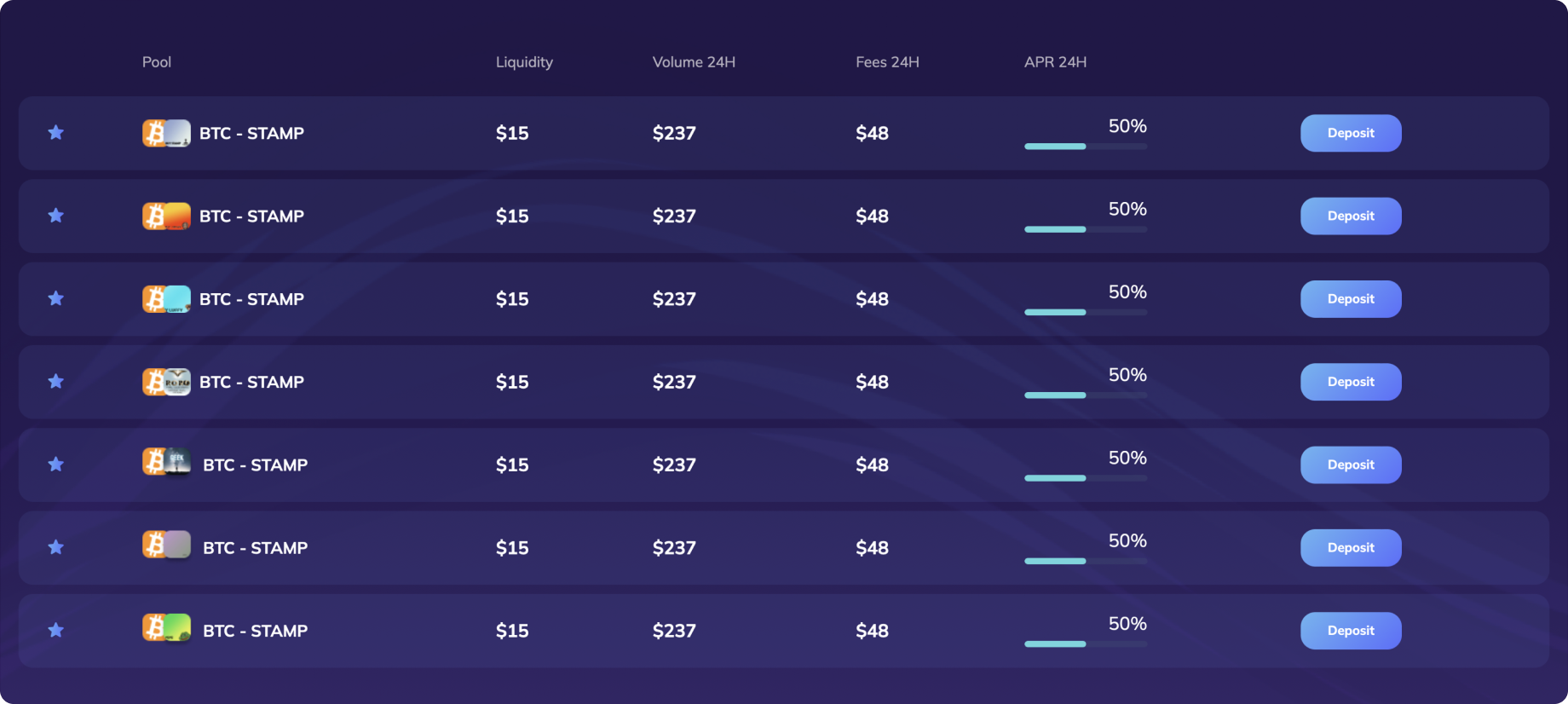
When the layout was ready, everything seemed perfect. But the backend integration remained. The application, though decentralized, has its own API for convenient blockchain parsing. Honestly, I have no idea what was happening on the backend, but it was clearly something mind-blowing.
And this is where the developer, who initially thought that integrating the frontend with the backend would be an easy task, apparently realized they were dead wrong. So, I took over the integration.
For the most part, no issues arose except for one page — this one
There are 12 outputs and a total of 24 charts here. For each toggle, the old chart needs to be unmounted, an API request must be made, the new layout calculated, and the new chart displayed. And now remember that all of this needs to be done three times and bound to the slider control at the bottom
State had to be managed literally by hand. It’s not the hardest task, but the implementation looked depressing, to say the least. Essentially, it would have been easier to write a micro-library for rendering for such a task… but wait, it already exists.
And yes, at this stage, React was strategically added to the project. Not the way it’s commonly used now, but for its original purpose — rendering tiny pieces inside an existing DOM. The very website you are reading this on runs on this exact architecture (just a proper and well-thought-out version of it).
And now, instead of manual control and requests, we had just a single component and 3 useState hooks, where you could seamlessly add up to 10 more toggles if needed, which would add… a lot of new display variations. It also allowed us to effortlessly add features that weren’t even planned initially. For example, a loading spinner during transitions.
And in just 7 days, the entire project was completely migrated to React. Overall, by the project’s standards, this is an incredible speed, considering that absolutely every single page had charts, API integrations, and other complex functionality. And yes, ideally, the project should have been written in React from the very beginning — and it would have been, if they hadn’t initially just asked me for a layout.
But none of that matters now. Next up was a more interesting and crucial task.
Wallet Integration
First of all, the project had literally just been migrated to TypeScript. So I had to do what usually only npm package authors do — explain to TypeScript what this “Unisat” thing even is and what it contains. On top of that, unlike what the documentation says, this Unisat wallet doesn’t always load on the first try.
Therefore, we first check a few times after short intervals whether the wallet is available and loaded, and only then do we prompt the user for authorization.

And to avoid leaving the user in the dark, pop-up notifications were added via react-hot-toast — which is literally the best library for notifications. Notifications can pop up from anywhere, can be customized however you like, and can be triggered from any part of the application — with just a single line of code!
- Authorization success
- Error
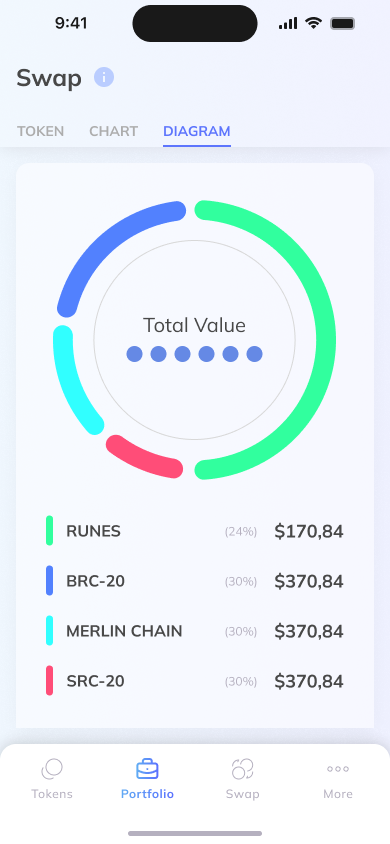
And as a bonus to everything, there is a light theme that toggles not only manually but also automatically depending on the theme set in the operating system.
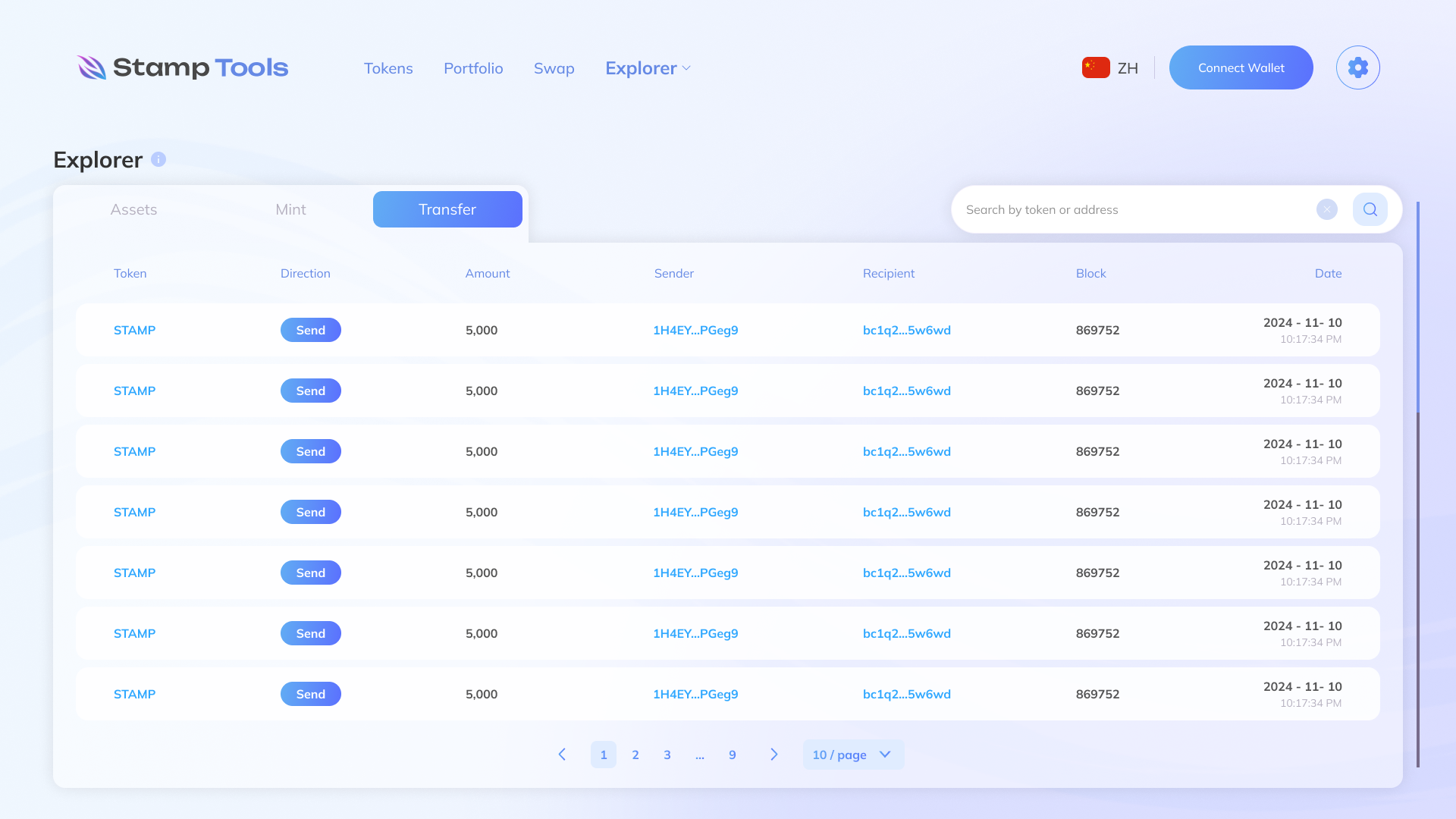
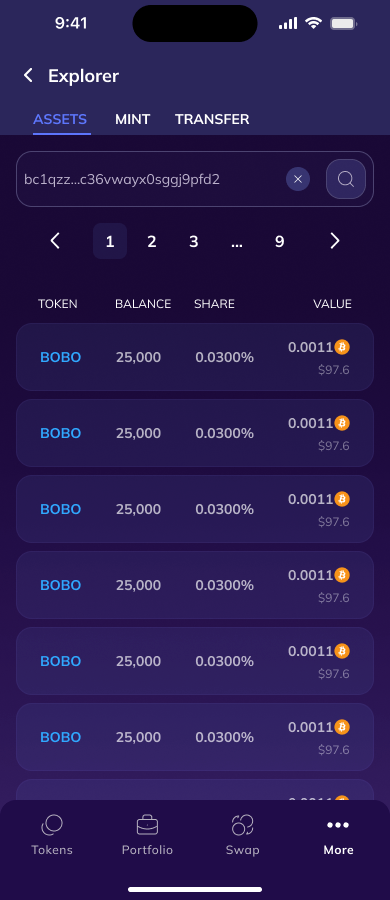
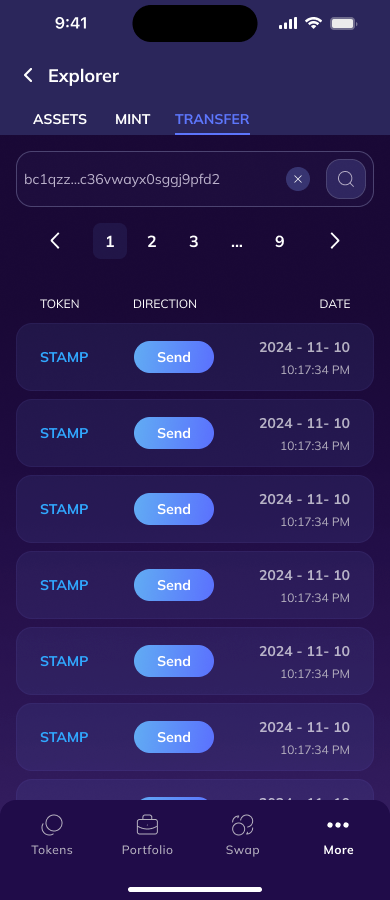
And a full mobile version for ALL pages with user-friendly controls. Many elements restructure themselves completely. In short, when it comes to the responsive layout, you essentially get a full-fledged mobile app right in the browser.
Conclusion
Despite all the difficulties, this is one of the coolest projects — both in terms of layout and functionality. I tried many new things and learned a lot.